Stock photos used to require a camera, lighting, and a model release. Now one person with an AI image tool can produce a catalog of commercial images in a weekend. The shelf life of generic photos is short, but niche, AI-generated stock packs still sell well. In 2026, the opportunity is less about single images and more about curated bundles and clear licenses that solve a specific buyer problem.
This guide walks through the exact process: choose an AI generator, build repeatable prompts, upscale images, set licenses, and list on marketplaces. I have tested Midjourney, Adobe Firefly, and DALL-E 3. The workflow below is the one I use for passive digital product income. If you want a broader overview of the income model, read make $1000 selling digital products with AI first.
The key is consistency. Buyers do not want 500 random images. They want a themed pack of 25 to 50 photos that fits a specific project: skincare mockups, real estate backgrounds, restaurant social media. That is what sells on best platforms sell digital products 2026 and keeps sales moving while you sleep.
You do not need a design degree. You need prompt discipline, a clear license, and a way to deliver files automatically. This article covers prices, platform fees, and the exact mistakes that get new sellers flagged or refunded. Let’s build a small AI stock photo business that pays you after the upload.
What You’ll Need
- Midjourney or Adobe Firefly
- Gumroad or Payhip account
- Topaz Gigapixel AI or free upscaler
- Canva for preview mockups
- n8n for automation
How Do You Create and Sell AI-Generated Stock Photos for Passive Income (2026)?
- Choose an AI image generator and learn its commercial limits
Start with one tool. Midjourney still sets the quality bar for photorealistic images. The Basic plan costs $10 per month and includes roughly 200 generations, which is enough to test 10 to 20 niche packs if you batch carefully.
Adobe Firefly is another strong option because its free plan gives 25 generative credits per month. Commercial use is allowed, but check Adobe’s current terms. Firefly’s training data is mostly licensed, which reduces some legal worry compared to other models.
OpenAI’s DALL-E 3 via ChatGPT Plus costs $20 per month and produces 1024x1024 images. OpenAI’s documentation says you can use outputs commercially, but you should not rely on DALL-E for ultra-realistic skin texture. Upscale before selling. That 1024px default is a specific limit most beginners ignore.
Pick one tool and learn its strengths for two weeks. Do not subscribe to five tools at once. If you are new to prompt-based workflows, ChatGPT side hustle guide will help you understand how to structure a repeatable image request.
- Build a repeatable prompt system for one niche
Choose a niche first: mockup scenes, food photography, travel, office setups, textures. A prompt system must include subject, lighting, lens, aspect ratio, and color grade. Example: ‘overhead shot of a modern desk with laptop, natural window light, Canon EOS R5, 85mm, muted tones, 4k’. That consistency sells.
Keep a spreadsheet with 20 base prompts. Change one variable at a time. That is how you get a coherent pack instead of 60 random images. This prompt library becomes an asset. You can later sell it as a selling AI prompt packs guide.
Common mistake: generating fantasy art when the buyer needs usable stock. Stock means clean background, realistic lighting, and no text. AI often renders gibberish on labels. Fix that in post or omit labels entirely from your prompt.
Use negative prompts where available: ’no logo, no text, no watermark, no blurry edges, no extra fingers’. For Midjourney, use –no text, logo, watermark at the end of your prompt.
- Generate, upscale, and batch your first 25 images
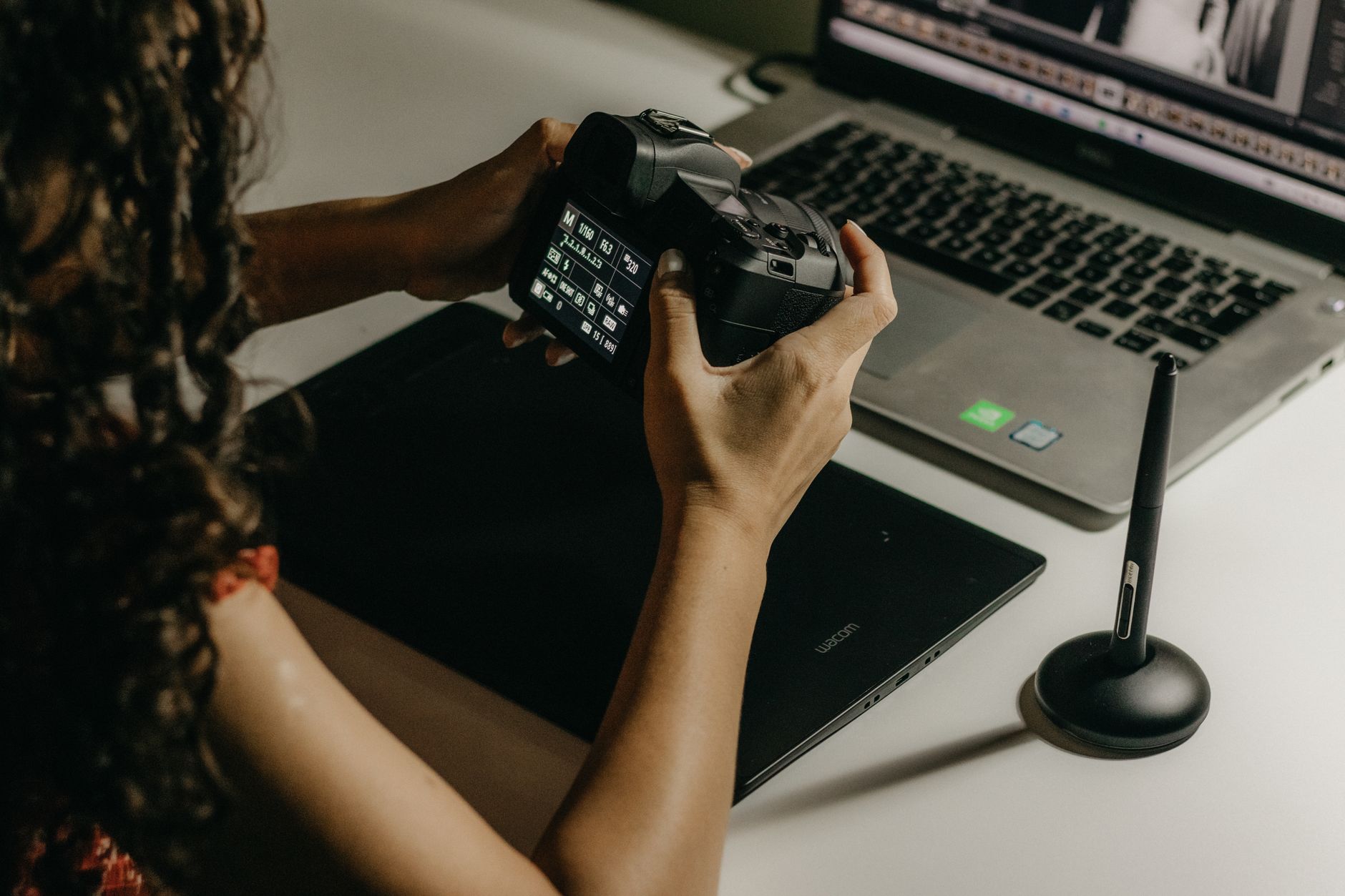
Generate 5 variations for each of 10 base prompts. Keep only images that look sharp at 100% zoom. AI images often have artifacts in hair, hands, and fabric. Use a tool like Topaz Gigapixel AI to upscale to 4000px on the long edge. Stock buyers expect 3000px minimum for print.
Adobe Photoshop’s super resolution or Upscale.media are cheaper alternatives if you cannot buy Topaz. The upscale step is not optional. A 1024px DALL-E output looks bad on an Etsy digital download preview, and buyers will ask for refunds.
Organize files into a folder with a consistent naming convention: niche-name-001.jpg through niche-name-025.jpg. Add a text file with license inside the zip. Buyers notice organization and it reduces support requests.
If a batch is weak, delete aggressively. Your pack is only as good as its weakest image. Refunds happen when buyers feel the preview misrepresented the lot. Keep only the images you would use yourself.
- Set commercial licensing and usage terms before listing
Decide what buyers can do. A standard license allows personal and commercial use in marketing materials but forbids reselling as standalone stock. An extended license can allow print-on-demand or unlimited seats. Write this down before you upload anything.
Write the license in plain language. Include it on the product page and inside the download folder. Do not copy a generic license from another store. If you do not set terms, buyers assume they own all rights, which can lead to misuse and disputes.
For AI-generated images, many platforms require you to disclose that content is AI-assisted. Follow each platform’s policy. Etsy asks sellers to flag AI-generated art in listings where applicable. Gumroad has a category for digital products that can include AI content.
Keep a license template in your notes. Reuse it for every pack. It protects you and raises buyer confidence. A clear license is often the difference between a one-time buyer and a repeat customer.
- List on Gumroad, Payhip, or Etsy with fee data
Start with one platform, not all three. Gumroad takes a flat 10% fee on each sale, with no monthly cost. That is simple for beginners. You keep 90% of every sale minus payment processing fees.
Payhip has a free plan with a 5% transaction fee. Its paid plans remove the transaction fee for a flat monthly $29 or $99. Payhip is better if you expect volume and want to keep more per sale.
Etsy charges a $0.20 listing fee and a 6.5% transaction fee, plus payment processing. Etsy gives you built-in search traffic, but competition for stock photos is high. See best platforms sell digital products 2026 for a full comparison.
For passive income, Gumroad and Payhip are lower fee and easier for automatic delivery. Use Etsy for discovery if you can tolerate per-listing fees and AI disclosure rules. Start on Gumroad, then expand once you have sales data.
- Write SEO titles, tags, and previews that convert
Do not title your pack ‘AI images.’ Use search terms: ‘25 Minimalist Desk Stock Photos for Social Media, 4K, Commercial Use’. Etsy buyers search by use case. Include color, style, resolution, and file type in the first 80 characters.
Tags are not optional. Use all 13 Etsy tags. On Gumroad, fill the description with keywords naturally. Write like a buyer, not a generator. ‘These airy home office photos work for Instagram, blog headers, and product mockups.’
Create 3 to 6 preview images. Show the images in real contexts: a phone mockup, a website template, a printed flyer. Do not just show raw files. Preview converts. A buyer who can see the photos in use is far more likely to click buy.
Use build digital product business with AI to learn how to structure your storefront and cross-sell other AI products.
- Automate delivery and build a passive sales loop
Passive income means no manual emailing files. Gumroad and Payhip deliver downloads automatically after payment. But you can automate further. Use n8n to watch a Google Drive folder and upload new products to Gumroad when you add a zip file.
n8n lists more than 400 third-party integrations, including Gumroad, Google Drive, and email triggers. That specific count shows the range of workflows you can build. You can create a workflow that sends a thank-you email with license link after every sale.
Schedule generation and upload one batch per week. Consistency trains the platform algorithm. A store with 12 packs looks more trustworthy than a store with one. Buyers sense commitment.
Do not over-automate before you have 30 sales. Manual listings first help you learn what buyers ask. Automation is scale, not rescue. Fix your product and pricing before you wire up integrations.

- Scale with niche bundles, prompt packs, and Canva templates
One pack is a proof. Ten packs is a catalog. Group two to three related packs into a mega bundle at a higher price. A $12 pack can become part of a $49 bundle that attracts buyers who want a big library.
Your prompt library is a second product. Sell it as a selling AI prompt packs guide. Many stock buyers want to make their own variations. A prompt pack at $19 costs you nothing to deliver and has zero marginal cost.
Add Canva template links or editable PSDs? Not necessary for stock photos, but you can include a simple social media template pack. See AI digital products that actually sell 2026 for what else is working in passive income catalogs.
Track which packs sell. Double down on that niche. Stop producing low sellers. Passive income comes from concentration, not endless variety. Focus on the two or three niches that generate 80% of your revenue.
- Monitor legal changes and platform policy for AI content
AI stock photo selling is still evolving. The US Copyright Office has maintained that purely AI-generated images without human authorship may not be copyrightable. That does not stop you from selling, but it means others can use similar images. Focus on bundles and prompt craft to add unique value.
Check Adobe Firefly, Midjourney, and OpenAI terms quarterly. Licensing can change. Keep screenshots of the terms as evidence of your commercial right at time of generation. This log is a defense if a platform asks questions.
Platforms may introduce AI disclosure labels. Fill them accurately. A misleading listing invites takedowns and refunds. Etsy and Gumroad both update FAQs regularly. Read the updates instead of assuming last year’s rules still apply.
Consider keeping a simple log: prompt, tool, date, license version. If a buyer asks about commercial use, you have an answer. That log is also useful for your own copyright defense if another creator copies your pack.
Red Flags & Warnings
- 🚨 Never label AI-generated photos as real photography or shot on a specific camera in marketing copy. Misleading buyers triggers refunds and platform penalties.
- 🚨 Do not use brand names, celebrity likenesses, or trademarked logos in your prompts or previews. Trademark issues are the fastest way to lose a store.
- 🚨 Check each marketplace policy on AI content before you upload. Some platforms may require disclosure or have separate categories for AI art.
- 🚨 Avoid selling images smaller than 3000px on the long edge. Low resolution is the top complaint among stock photo buyers and leads to chargebacks.
- 🚨 Do not copy another seller’s product images or prompts verbatim. Prompt theft can get you banned and is hard to defend.
- 🚨 If a platform introduces new AI fees or bans, move your catalog quickly. Keep backup files on your own drive, not just in the marketplace.
Frequently Asked Questions
Can I legally sell AI-generated stock photos?
Yes, if your AI tool allows commercial use and you add your own curation, editing, or bundling. Current US Copyright Office guidance says fully AI-generated images may not get copyright protection, but selling them is not prohibited. Always check the specific tool’s terms at the time you generate.
Do I need a commercial license for AI images?
Most consumer AI tools like Midjourney, Adobe Firefly, and DALL-E 3 allow commercial use with a paid or free plan. That does not give you copyright enforcement against others. Your own license to buyers sets usage rights and prevents reselling as standalone stock.
How much can I earn selling AI stock photos?
New sellers often earn $50 to $500 per month with 20 to 50 niche packs. Top sellers with large catalogs and SEO can earn $1,000 or more monthly. It depends on niche, bundle size, and platform traffic.
What image resolution do buyers expect?
At least 3000 pixels on the long edge. Many buyers want 4000px for print or 4K. Upscale your images before zip delivery to avoid refunds. Include JPG and sometimes PNG with transparent backgrounds if relevant.
Which platform is best for selling AI stock photos?
Gumroad and Payhip are best for fees and automation. Etsy gives built-in search but charges listing fees and has stricter AI disclosure. Start on Gumroad for simplicity, then expand to Etsy once you have 10+ packs.
How do I avoid copyright issues with AI stock photos?
Avoid recognizable brands, logos, characters, and real people in your prompts. Do not copy another creator’s prompt or output. Bundle your own original prompts and edited images. Keep generation logs and license terms.
What Should You Remember?
- Choose one AI tool: Stick with Midjourney or Adobe Firefly and learn its strengths before buying more subscriptions.
- Niche beats volume: Sell a themed pack of 25 images, not 500 random files.
- Upscale everything: 3000px minimum long edge, or buyers will refund.
- Set a clear license: State commercial use and what is not allowed on every product page.
- Start on Gumroad or Payhip: Lower fees than Etsy for digital delivery.
- Automate after 30 sales: Use n8n and PayPal or Stripe integrations to reduce manual work.
- Watch AI legal changes: Copyright and platform policies shift. Keep logs and read terms quarterly.
This article is for general information only and does not constitute financial or business advice. Earnings and market figures vary by source and change over time. Always verify current data through primary sources and consult a qualified professional before making financial decisions.