Midjourney is no longer just a place to make fun images for Discord. It is a production tool. You can use it to create printable wall art that sells while you sleep. This is a real passive income path in 2026, but only if you treat it like a small art business. Many beginners follow the same three steps: generate a pretty image, upload it, and wait. That wait usually ends with zero sales. This guide shows you the full system, from Midjourney plan choice to automated delivery, with links to related AI digital products that actually sell in 2026.
Wall art is a strong digital product niche because buyers want instant decor. They search for specific styles, colors, and room types. They do not care whether a human or AI made the file, as long as it prints well. That means you can compete with traditional artists on speed and variety. You still need to understand printing resolution, file formats, and marketplace fees. Etsy charges $0.20 per listing and a 6.5% transaction fee on the item price. Payhip’s free plan takes 5% per sale. Those numbers matter when you price a $6 print.
Your first job is not to buy a Midjourney Pro plan. It is to narrow your niche. Generic abstract art and inspirational quotes are saturated. A better target is something like boho nursery animal prints, dark academia gallery walls, or Japanese minimalist line art. You then create prompts that reliably produce that one style. This is similar to creating any printable with AI, but wall art requires larger files and more attention to print quality. In the next sections, we walk through the exact steps.
The 2026 opportunity is still large, but the easy money period is over. Buyers now compare shops, read reviews, and zoom in on mockups. That is good news for sellers who prepare. You do not need a big audience. You need 20 to 30 strong listings, a simple brand, and a clear process. This article includes platform choices, prompt formulas, upscaling basics, pricing data, and red flags. By the end, you will have a repeatable system that can feed a passive income digital products beginner plan.
What You’ll Need
- Midjourney paid plan
- Topaz Gigapixel AI or Upscayl
- Canva Pro or Adobe Photoshop
- Gumroad, Payhip, or Etsy account
- Google Drive or Dropbox
How Do You Best AI Wall Art?
- Choose the right Midjourney plan and budget for output
Midjourney still operates through Discord or the web app. You need a paid plan to use images commercially. The Basic plan costs $10 per month and gives about 3.3 hours of fast GPU time. The Standard plan costs $30 per month and gives about 15 hours. For wall art, start with Basic. It is enough to generate and refine roughly 200 images per month if you do not waste time with slow relax mode. Check the official Midjourney documentation for current limits before you subscribe.
Fast GPU time is the metric that matters. Each image generation consumes a few GPU minutes depending on aspect ratio, upscaling, and variations. A single 1024 by 1024 image might use around one minute. That gives you room to test prompts. Still, avoid leaving the web app open while doing other tasks. Your time burns in the background when you batch generate carelessly. Keep a prompt log outside Midjourney. Write down what works so you do not waste paid hours repeating failed ideas.
The Standard plan adds more value if you plan to sell wall art at volume. It includes 15 hours of fast GPU and relax mode, which is unlimited but slower. Relax mode is fine when you queue a large batch overnight. If you later earn enough, the Pro plan at $60 per month gives 30 hours. But do not start there. Start with Basic. Track your GPU usage for two weeks. Then upgrade only when your prompts are proven and your queue is full.
Your plan choice also affects commercial rights. Midjourney’s terms generally allow paid subscribers to use images commercially. But if your company revenue exceeds one million dollars per year, you must use a Pro or Mega plan. Read the terms carefully. This matters if you start a high-traffic store. Most new sellers never hit that threshold, but it is a red flag to know before scaling.
- Narrow your wall art niche to one repeatable style
A profitable wall art shop does not sell everything. It sells one style to one buyer. Think about a specific room and mood. Examples include terracotta desert prints for a modern living room, black and white topography for an office, or soft watercolor florals for a nursery. This focus makes your mockups, listing titles, and tags consistent. It also tells the marketplace algorithm what your shop is about. Without a niche, you get lost among millions of generic listings.
Research real demand before you generate. Search Etsy for your niche idea and count the reviews on top listings. If a shop has hundreds of reviews for a similar style, demand exists. If only a few listings show any sales, the audience may be too small. You can also look at Pinterest trends and Google Trends. But do not copy exact designs. Use the research to identify what buyers pay for, then create original variations.
One mistake new sellers make is chasing too many styles at once. They upload a boho print, then a cyberpunk poster, then a farmhouse sign. The shop looks messy. The algorithm does not know who to show it to. Pick one or two related niches maximum. For example, you might combine boho nursery art and neutral kids room printables. That still feels cohesive. You can expand later once you have 25 listings in the first style.
- Write Midjourney prompts that create sellable wall art
Midjourney operates best with clear, structured prompts. A basic prompt formula is: subject, style, composition, lighting, color palette, and aspect ratio. For example, a prompt for a boho nursery print might read: soft watercolor baby elephant, neutral beige and terracotta, simple background, centered composition, gentle morning light, white space, –ar 3:4. The aspect ratio matters for wall art. Use –ar 2:3 for vertical prints, –ar 3:2 for horizontal, and –ar 1:1 for square frames.
Add style modifiers to control the output. Use words like ‘minimalist line art’, ‘abstract oil painting’, ’textured watercolor’, or ‘vintage botanical illustration’. Avoid contradictory words. ‘Photorealistic watercolor’ confuses the model. You can also reference art movements, but avoid living artists or named brands. That crosses into style imitation and can create legal problems. Instead, describe the visual qualities you want.
Batch test prompts before committing to a design. Generate four variations for one prompt, then pick the strongest. Upscale only the best two or three. Keep a spreadsheet with the prompt, seed number, and image result. Over time, this becomes your private prompt library. You can later sell that as a separate AI prompt pack if you want another income stream.
Prompt length also matters. Midjourney performs well with 20 to 60 word descriptions. Do not write a paragraph of poetic fluff. The model does not need it. Use commas to separate concepts. If you want a specific color palette, name three or four hex codes or descriptive colors. For example, ‘sage green, cream, charcoal, soft gold’. This increases consistency across your set. Buyers love sets that look like they belong together.
- Upscale and prepare your files for 300 DPI printing
Midjourney’s default output is usually 1024 by 1024 pixels, or similar for other aspect ratios. That is too small for a large framed print. A 24 by 36 inch print at 300 dots per inch needs 7200 by 10800 pixels. You must upscale. Midjourney has built-in upscalers for 2x or 4x, but those may not reach full print size for larger formats. Use a separate AI upscaler like Topaz Gigapixel AI or the free Upscayl desktop tool.
Upscaling is not magic. It adds pixels, but it cannot invent fine texture that was never there. Start with the cleanest possible Midjourney image. Avoid heavy film grain, tiny text, or complex fine patterns if you plan to print above 18 inches. Simpler compositions upscale more cleanly. After upscaling, open the file at 100 percent zoom. Look for jagged edges, blurry areas, or weird artifacts near the subject’s edges.
Save your print file as a high quality JPEG or PNG. PNG is better for line art and designs with transparent or solid backgrounds. JPEG is fine for photographic or painterly textures. Do not upload the raw Midjourney file to your store. Buyers expect a print-ready file, not a Discord download. Name the file clearly, for example, boho-elephant-24x36-300dpi.jpg. Include a small text file with printing tips if you want to reduce customer complaints.
This process is similar to preparing any AI printable, but wall art demands bigger dimensions. Always test print at least one design on standard paper before listing. A file can look sharp on screen but blurry in print. Testing saves you refunds and bad reviews later.
- Set up your store on Gumroad, Payhip, or Etsy
Choose your platform based on fees and control. Gumroad is simple and creator friendly. It charges a flat 10 percent per sale plus payment processing. Payhip has a free plan that takes 5 percent per sale, a $29 monthly plan that drops it to 2 percent, and a $99 monthly plan with no Payhip fee. Etsy charges $0.20 per listing and a 6.5 percent transaction fee, plus payment processing. Each platform has different audience and SEO rules. For wall art, many sellers succeed on Etsy because buyer intent is high.
Gumroad gives you a clean storefront and handles VAT for EU buyers. That is a major advantage if you sell internationally. Payhip is better for building a brand site quickly. Etsy gives access to millions of active buyers but has more competition and listing fees. The right choice depends on your skill. Start with one platform. Do not split your attention across three stores in week one. You can expand later.
Create your store with a consistent brand name, logo, and banner. Your shop name should hint at your niche. Avoid generic names like ‘DigitalArtShop123’. Include keywords in your product titles and descriptions. For example, ‘Boho Nursery Wall Art, Elephant Print, Neutral Kids Room Decor, Digital Download, 3 Sizes’. Use all 13 Etsy tags if you sell there. This is the same platform strategy covered in best platforms to sell digital products in 2026.
Set up delivery properly. Gumroad and Payhip deliver digital files automatically after payment. Etsy also sends a download link after purchase, but you must upload the file to the listing. Keep your files under platform size limits. Etsy allows up to five digital files per listing and each file must be under 20 MB. That limit matters when you create large print sets.
- Price your wall art prints and bundles for passive income
Digital wall art prices vary. Single prints often sell for $3 to $8. Sets of three to five sell for $8 to $20. Large bundles of 20 or more can sell for $25 to $40. The sweet spot for new sellers is $5 to $7 for a single print and $15 to $25 for a coordinating set. Lower prices help you get early reviews. Higher prices work only after you have a strong mockup and a niche audience.
Price math is simple. If you sell a $5 print on Etsy, you pay $0.20 listing, $0.33 transaction fee roughly, and payment processing around $0.25. That leaves about $4.20. On Payhip free plan, a $5 sale leaves $4.75 before PayPal or Stripe processing. Those small differences add up. Use a spreadsheet to compare platform fees before you commit to one store.
Bundles earn more per transaction and feel like a better deal. A customer who wants a gallery wall will pay $18 for a set of six prints instead of $30 for six single listings. You spend the same amount on delivery. Create sets around a room theme, color palette, or size. This also increases your average order value. Include one bundle in every niche you test.
Do not race to the bottom. A $1 print attracts buyers who complain and resell your files. That is not passive income, it is support work. Instead, offer clear value: print-ready files, multiple aspect ratios, a personal use license, and a simple guide. You can also learn from sellers who make a thousand dollars selling digital products with AI in 2026.
- Create realistic mockups and automate your delivery process
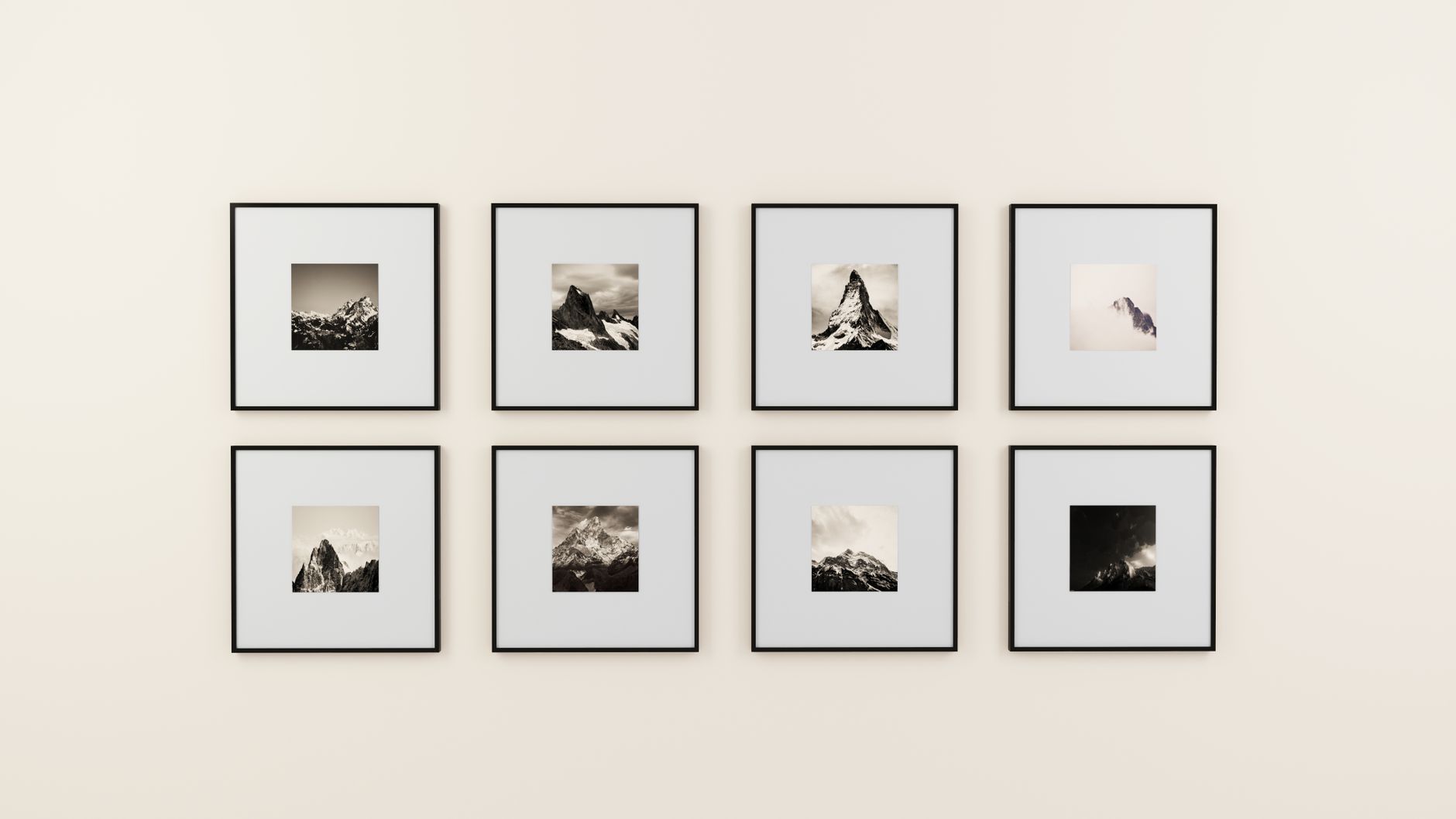
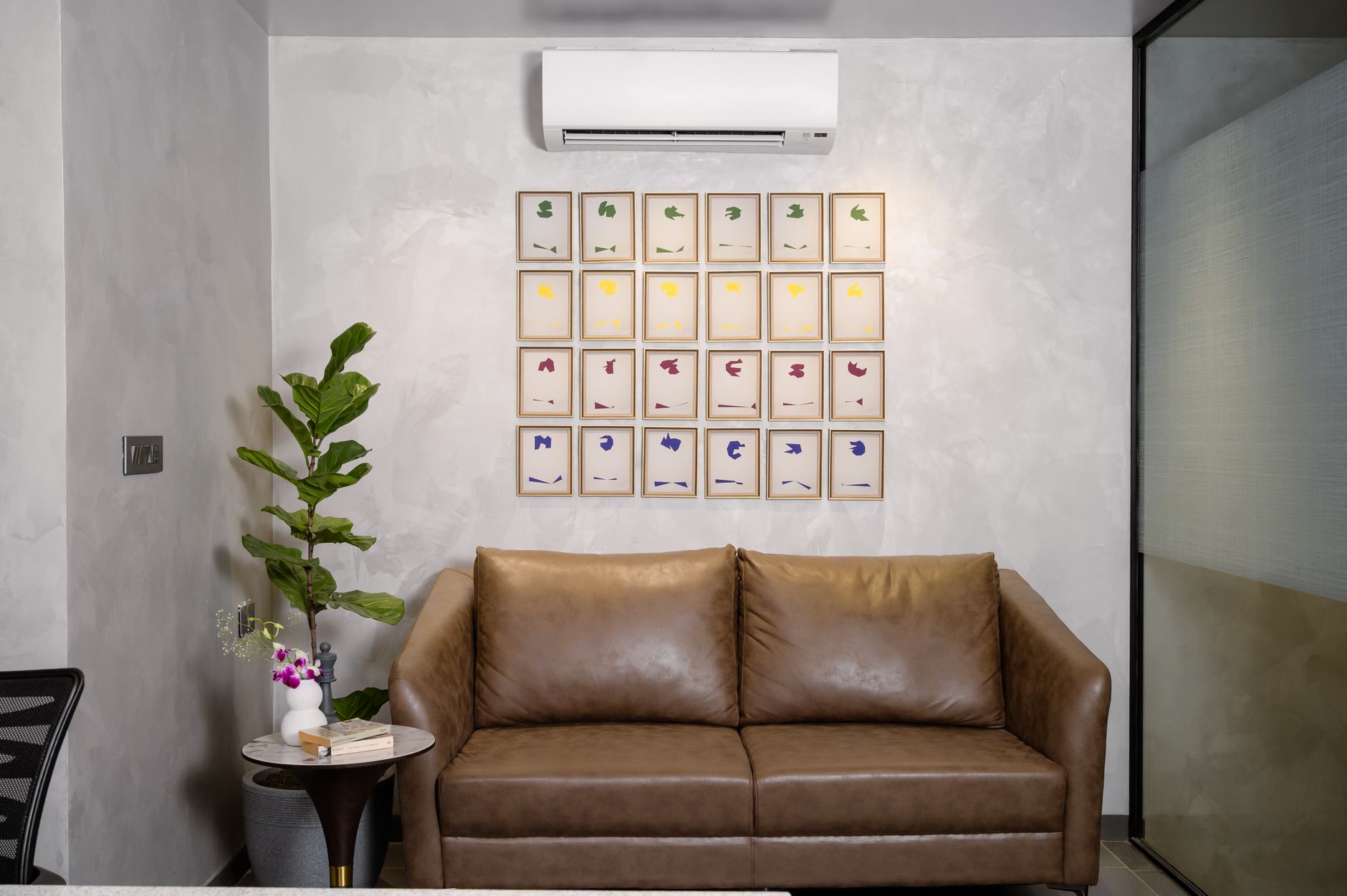
Mockups sell the dream, not the pixels. Use a free tool like Canva or a paid tool like Adobe Photoshop to place your art into a frame scene. Show the print in a real living room, nursery, or office. Etsy buyers often click based on the first image. If your mockup looks fake, they move on. Use high quality stock photos with good lighting. Keep the frame and wall neutral so your art is the focus.
You can create mockups manually or use mockup templates. Many sellers use Canva to combine their image with a pre-made frame mockup. If you already know Canva, this is similar to selling Canva templates with AI, but you are selling the final wall art file, not the template. Make three to five mockup images per listing. Show close-ups, full wall, and different sizes.
Automation is what makes this passive. Gumroad and Payhip handle payments and file delivery automatically. Etsy also does this after setup. Your job is to answer occasional customer questions and monitor orders. Use a standard reply for common questions like ‘How do I download?’ or ‘What size should I print?’. Keep a FAQ in your listing description. Most digital product issues come from buyers not reading the instructions.
Once your listings are live, set up a simple weekly review. Check which designs get clicks and sales. Double down on the styles that perform. Drop or rework listings with zero views after 30 days. This loop is not fully passive at first, but it becomes more passive as your shop builds reviews and repeat buyers. The key is to automate everything that can be automated, and spend your manual time only on new product creation.
Red Flags & Warnings
- 🚨 Never sell art that copies a living artist’s name or signature style. Midjourney can imitate styles, but that creates legal risk and platform takedowns. Describe the visual qualities, not the artist.
- 🚨 Do not upload a 1024 by 1024 pixel file as a 24 by 36 inch print. It will look blurry. Upscale to at least 300 DPI at the final print size before listing.
- 🚨 Read Midjourney’s commercial terms before scaling. If your business revenue exceeds one million dollars per year, you need a Pro or Mega plan. Violating this can end your account.
- 🚨 Etsy’s handmade policy still applies to digital downloads. You must be the creator of the design. Do not resell raw Midjourney outputs from other sellers or claim AI art as hand painted.
- 🚨 Avoid broad, oversaturated niches like ‘abstract painting’ or ‘inspirational quote’. These have thousands of listings. Pick a specific room, style, and color palette.
- 🚨 Do not rely on one marketplace. Etsy can suspend a shop for policy issues. Gumroad can change fees. Build an email list or a simple Payhip store as a backup.
Frequently Asked Questions
Is it legal to sell Midjourney wall art?
Yes, if you have a paid Midjourney subscription and follow the commercial use terms. Midjourney grants paid users a commercial license to use images they create. Read the latest terms on the official documentation, especially if your revenue grows.
Can I sell Midjourney art on Etsy?
Etsy allows digital downloads that you create or design. AI assisted art is generally allowed as long as you are the seller and the listing is accurate. Do not claim the art is hand painted. Check Etsy’s policy before listing.
What resolution should Midjourney wall art be?
The final print file should be 300 DPI at the intended print size. For a 24 by 36 inch print, that means about 7200 by 10800 pixels. You will need to upscale Midjourney’s default 1024 pixel output with a separate upscaler.
How much does Midjourney cost for selling wall art?
The Basic plan costs $10 per month and includes about 3.3 hours of fast GPU time. The Standard plan costs $30 per month and includes about 15 hours. Start with Basic, then upgrade if you need more volume.
What is the best platform for selling AI wall art?
Etsy has the most buyer traffic for wall art, but fees and competition are high. Gumroad and Payhip offer lower fees and more control. Many new sellers start on Etsy, then add a Payhip or Gumroad store later.
How do I make passive income with Midjourney wall art?
Create a set of print-ready files, list them on a platform with automatic delivery, and optimize listings for search. Passive income comes after the upfront work of generating, upscaling, and listing. You still need to monitor and refresh listings monthly.
What Should You Remember?
- Pick one niche: Focus on a single room style like boho nursery or minimal line art instead of generic abstracts.
- Start with the $10 plan: Midjourney Basic gives enough fast GPU time to test and ship your first 20 designs.
- Upscale to 300 DPI: A 24 by 36 inch print needs 7200 by 10800 pixels, not the default 1024 by 1024.
- Price between $5 and $7: Single prints sell at low prices to earn early reviews. Bundles of five or more earn more per order.
- Use Payhip free plan: It takes 5% per sale, cheaper than Etsy’s 6.5% plus $0.20 listing, if you bring your own traffic.
- Automate delivery: Gumroad, Payhip, and Etsy send files automatically after payment. Your manual time should go to creating new art.
- Read platform terms: Midjourney commercial terms and Etsy handmade policies protect you from account takedowns.
This article is for general information only and does not constitute financial or business advice. Earnings and market figures vary by source and change over time. Always verify current data through primary sources and consult a qualified professional before making financial decisions.