AI planners are one of the fastest ways to start a digital product business in 2026. You do not need to be a professional designer or spend weeks drawing boxes. You can use ChatGPT to generate page structures and prompts. You can use Canva to arrange everything into a polished PDF. Then you list the file on Payhip, Gumroad, or Etsy. This guide covers the full workflow, including what sells and what to avoid. If you are new to AI products, start with AI digital products that actually sell.
The gap between planners that sell and planners that sit is audience specificity. A generic daily planner with no target user gets lost. A planner for ADHD adults, night shift nurses, or first year wedding photographers gets attention. Specificity lets you use AI to brainstorm exact sections, prompts, and layouts. It also makes your Etsy and Gumroad listings clearer. You are not selling paper. You are selling a system that fixes a specific weekly frustration.
This article is a step by step guide. We will cover niche research, validation, AI content generation, design, file setup, pricing, and automation. You will see real tool recommendations and real pricing numbers. You do not need a big budget. You can start with a free Canva account and a free ChatGPT plan. The key is to make decisions fast and improve after the first sale.
One warning before you start. AI can hallucinate dates and page numbers. You must verify every calendar and table. Also, do not copy existing planner layouts from marketplaces. That is a copyright risk. Your best protection is to create original page structures from a prompt. The tools are here to speed you up. Your taste and audience judgment still matter more than any prompt. A simple, clear planner for the right person beats a fancy one for everyone.
What You’ll Need
- ChatGPT free or paid
- Canva free or Pro
- Payhip or Gumroad account
- Etsy seller account
How Do You Best AI Planners That Sell?
- Choose one narrow planner niche before touching a design tool
Start with the buyer, not the layout. A planner for first year real estate agents needs different pages than a planner for college students with ADHD. Ask ChatGPT to generate 15 niche ideas around work schedules, health tracking, parenting, or content creation. The free ChatGPT plan is enough for this step. If you want more depth, ChatGPT Plus at $20 per month gives faster access to GPT-4o with a 128,000 token context window according to OpenAI documentation. That longer window helps when you paste a full niche description and ask for a complete planner outline.
Do not choose a niche you refuse to research. Spend 15 minutes reading reviews on existing Etsy listings. Look for repeated complaints like ‘I wish it had a medication log’ or ’there is no space for weekly priorities’. Those exact phrases become your page features. The tool here is Etsy search plus a simple spreadsheet. This step matters more than any design choice.
A common mistake is making a planner that you would use. The market may not care. Instead, pick a small group with regular, repeating tasks. Good examples are diabetic meal planners, real estate transaction checklists, or teacher lesson plan books. If you need a broader overview of what sells, read passive income for digital products beginners.
- Validate demand on Etsy and Gumroad before you build pages
Search your niche on Etsy and sort by bestseller. If the top 10 listings have hundreds of reviews, demand exists. If the niche has few listings and low review counts, that can be an opportunity. But low numbers can also mean no demand. Look at Gumroad discover pages too. Search for the same keywords and check follower counts. According to Etsy investor relations, the marketplace has more than 90 million active buyers. That broad audience does not help if your product targets a tiny group nobody searches for.
Validation can be fast. Open an Etsy search for ‘ADHD planner printable’ or ’night shift nurse planner’. Note the price range, cover styles, and page counts. Read the one star and three star reviews. The three star reviews often reveal missing features. That is your product spec. Use a free note tool or a simple Google Sheet to track findings.
Do not rely on AI alone for demand. ChatGPT can summarize reviews but it cannot feel search intent. You still need to open the marketplace. If you want to compare selling platforms before committing, see best platforms for selling digital products 2026.

- Generate the planner structure, prompts, and copy with ChatGPT or Claude
Now you build the bones. Paste your validated niche into ChatGPT or Claude. Ask for a 12 week planner outline, a daily page, a weekly review page, and a habit tracker. Request each section with specific headings, bullet points, and instructions. ChatGPT can produce this in one long answer. The model can also generate 30 days of journal prompts or reflection questions. If you need more control, use Claude. Its models are strong for long form instruction and editing.
Do not accept the first draft. Ask the AI to remove generic prompts and add niche specific language. For example, an ADHD planner should include ‘start with one task’ sections and time blocking with built in breaks. A real estate planner should include a transaction checklist and contact log. The AI’s value is speed, not taste. You edit the structure until it feels genuinely useful.
A reliable format is a 30 to 50 page PDF. Keep it printable and fillable if possible. You can add clickable tabs or hyperlinked pages later. But start simple. Many sellers start with a basic printable before adding a digital version. The process is similar to creating printables with AI, which you can learn in create printables with AI.
- Design the planner in Canva using a repeatable page system
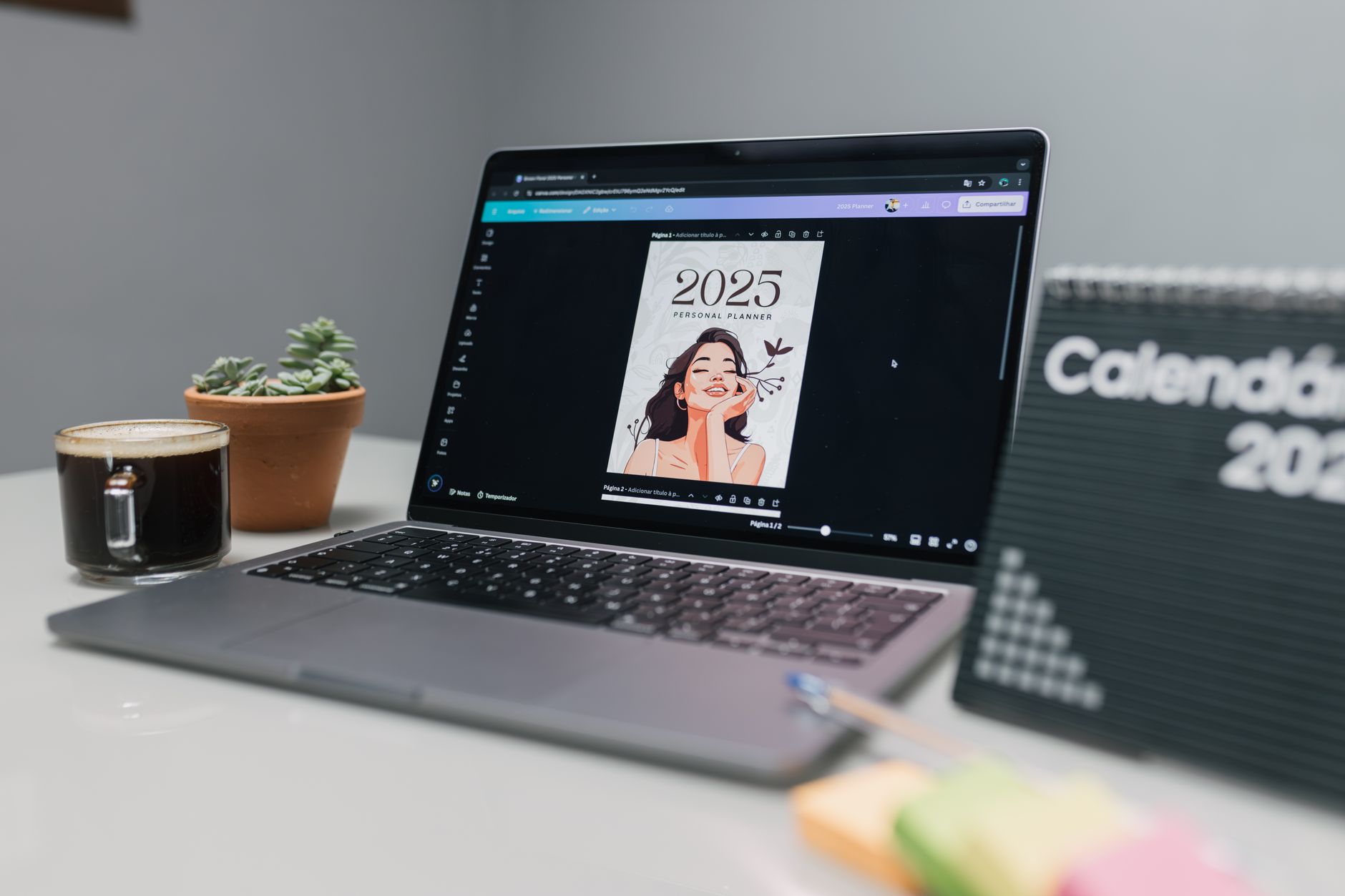
Canva is the fastest design tool for this job. The free plan includes enough elements to start, but Canva Pro at $15 per month gives you background remover, brand kits, and magic resize. You need a consistent design system: one cover, one divider, one daily page, one weekly page, and one notes page. Set up your color palette and fonts first. Use two fonts at most. A clean layout outsells a cluttered one.
Build each page as a separate artboard. Canva lets you duplicate pages and edit the text. Use frames and grids to keep boxes aligned. If you are making a hyperlinked digital planner for GoodNotes or Notability, add clickable tabs in Canva. That takes extra time but lets you charge more. Start with a printable PDF first if you are new. It is easier to test demand.
AI helps here too. Canva has text to image but you do not need AI illustrations. A simple cover with a colored block and a clear title works. The market often rewards clarity over decoration. If you want to create other printable products later, read how to sell Canva templates with AI.
- Turn the finished design into a sellable file and set your price
Export your Canva file as PDF print for printables. For digital planners, export as PDF with high resolution. Add a cover page and a simple instructions page. Include a license note that says for personal use only. That reduces customer confusion. You can also create a zip file with multiple page sizes such as A4, A5, and US Letter. More sizes can increase value but also increase support requests.
Pricing depends on the niche and page count. Most printable planners on Etsy sell between $4 and $12. Hyperlinked digital planners can sell for $15 to $35. The middle range from $7 to $29 works well for new sellers. Do not start at $2. That signals low quality. You can raise prices after you collect a few reviews.
Gumroad takes a 10 percent flat fee on sales, plus payment processing fees. That means if you sell a $12 planner, you keep roughly $10. Use Gumroad to check current creator fees. The math matters if you plan to spend on ads later. For a realistic first month plan, read make $1,000 selling digital products with AI in 2026.
- Publish on Payhip, Gumroad, and Etsy with listing pages that convert
List the same planner on multiple platforms to increase reach. Payhip has a free plan with a 5 percent transaction fee and no monthly cost. Gumroad charges a 10 percent flat fee. Etsy gives you access to active buyers but charges listing fees and a transaction fee. Start with one platform, learn the listing flow, then add another. Do not spread too thin before your first sale.
Your listing page is a sales page. The first image should show the cover clearly. The second image should show an interior page. The third can show the planner on a tablet or printed next to a coffee cup. Use keywords in the title and description but make it readable. Avoid keyword stuffing. Mention exact page count, sizes, and what is included. That reduces refund requests.
Etsy search rewards relevance and reviews. Payhip and Gumroad are better for direct audience traffic. If you build an email list or social following, send them to Payhip or Gumroad to keep more of the sale. This choice matters, so compare platforms before you expand.
- Automate delivery updates and track what sells with simple tools
Digital products can run passively but only if your delivery is automatic. Gumroad and Payhip handle file delivery after payment. Etsy also provides instant downloads. You do not need a separate delivery app. Still, you should track which listing gets views and which keyword drives sales. Use each platform’s analytics dashboard first.
For deeper automation, use n8n. It documents more than 400 integrations, including Gmail, Google Sheets, and Gumroad. You can build a simple workflow that adds every new sale to a Google Sheet. Then you know your weekly revenue without logging into each platform. n8n has a free cloud plan for low volume. You do not need paid tools until you have many sales.
The goal is to spend less time on admin. Check your listings once a week. Update a description or image if a listing gets views but no sales. That small loop replaces endless content creation. If you want a full business system, read build a digital product business with AI.
Red Flags & Warnings
- 🚨 Never trust AI to generate correct dates. Verify every calendar manually before exporting.
- 🚨 Do not copy an existing planner’s layout or wording. That creates copyright risk.
- 🚨 Avoid launching a generic daily planner. It competes with thousands of free templates.
- 🚨 Do not underprice at $1 or $2. Buyers associate very low prices with low quality.
- 🚨 Keep file sizes reasonable. A 200 MB planner frustrates buyers and increases refunds.
Frequently Asked Questions
Can I sell AI-generated planners on Etsy?
Yes. Etsy allows digital products including printable and hyperlinked planners. You must create the design or add original value. Do not resell someone else’s file. Include a clear personal use license.
Which AI tool is best for writing planner content?
ChatGPT and Claude are both strong. ChatGPT is easier for quick structured outlines. Claude often produces cleaner long form copy. Start with the free tier and upgrade only when you need faster output.
How much does it cost to start making AI planners?
You can start for free with Canva, ChatGPT, and a Payhip account. Payhip takes a 5 percent fee on the free plan. If you want Canva Pro, budget about $15 per month. Most sellers spend under $30 before their first sale.
How long does it take to make a planner that sells?
A simple 30 page printable can take four to six hours including research and design. Hyperlinked planners take longer, often eight to twelve hours. Your first planner will be slow. Your second and third get faster.
Which platform pays the most for AI planners?
Payhip often leaves more revenue per sale because its free plan takes 5 percent. Etsy gives more traffic but charges listing and transaction fees. Use multiple platforms once you know which one your audience prefers.
Do I need to worry about AI copyright for planners?
Do not copy existing planner layouts or fonts. Use AI for structure and original wording. Add your own page organization and prompts. That gives you the strongest position if a dispute ever comes up.
What Should You Remember?
- Niche research first: choose a specific audience before you build a single page.
- Demand validation: check Etsy bestsellers and reviews to find real problems.
- ChatGPT structure: use AI for outlines but proofread all dates and page numbers.
- Canva design: keep layouts clean and consistent for faster production.
- Smart pricing: most AI planners sell between $7 and $29.
- Passive tracking: automate delivery and track sales weekly.
This article is for general information only and does not constitute financial or business advice. Earnings and market figures vary by source and change over time. Always verify current data through primary sources and consult a qualified professional before making financial decisions.